XCFormat
macOS / developpeurs
XCFormat is a free code-formatting tool for macOS that helps you keep source code clean and consistent without leaving Xcode.
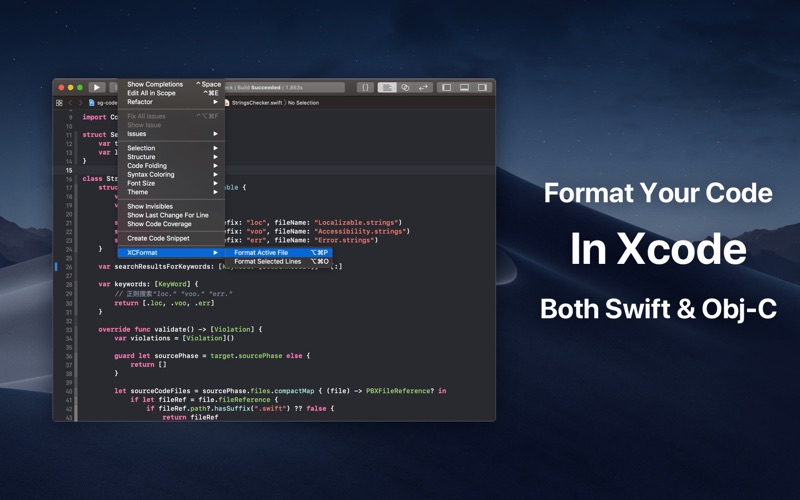
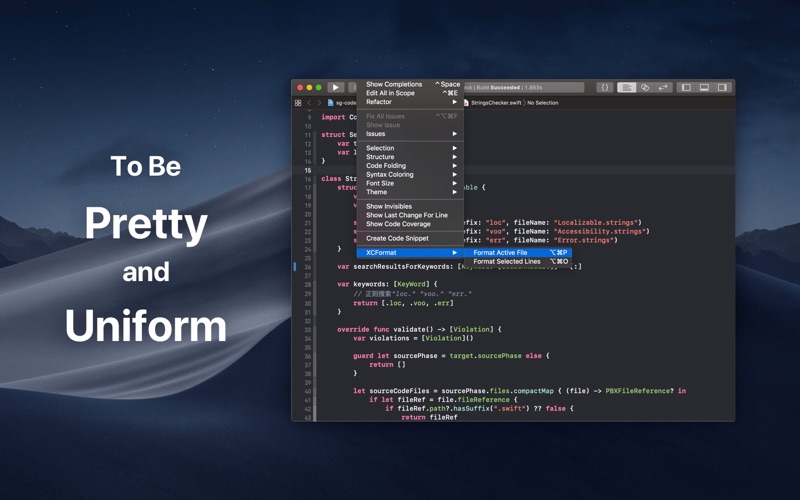
XCFormat works as an Xcode Source Editor Extension. Once enabled, it adds formatting commands directly to Xcode’s Editor menu, so there is no need to copy code or switch between apps.
Features:
• Format the active source file
• Format only the selected lines
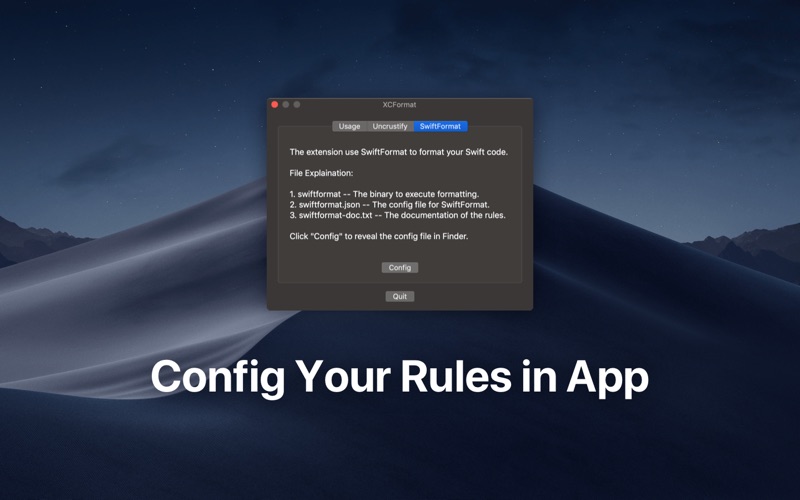
• Format Swift code with the bundled SwiftFormat engine
• Format Objective-C, C, C++, and other C-style languages with the bundled Uncrustify engine
• Customize formatting rules using configuration files
• Quickly reveal configuration files in Finder
• Restore the default configuration at any time
• Follow the built-in setup guide to enable the Xcode extension
Whether you are working on a personal project or collaborating with a team, XCFormat reduces repetitive formatting work and helps maintain a consistent coding style.
Quoi de neuf dans la dernière version ?
XCFormat has been refreshed for modern macOS and Xcode workflows.
• Introduced a new native SwiftUI interface
• Added a clear step-by-step guide for enabling and using the Xcode extension
• Added direct access to the relevant System Settings page
• Updated SwiftFormat to version 0.61.1
• Updated Uncrustify to version 0.83.0
• Refreshed the default configurations for both formatting engines
• Improved compatibility, signing, and build reliability with current Xcode versions
• Fixed an issue that could cause formatter builds to fail when project paths were too long