Apps Are Go
macOS / Productivité
Now all your apps are GO for launch! Scripts and documents too! And by assigning global key equivalents to any item, running your favorite apps and scripts is only a keypress away. If you loved using DragThing for the past quarter Century, but sad that it will no longer be developed, this is the replacement you're looking for.
•Unlimited number of docks with multiple tabs.
•Drag edges to add or remove columns or rows.
•Drag tabs to snap docks to any edge of any screen.
•Drag & drop any file, folder, or volume into a tab's grid.
•Drag & drop any file onto an app in a dock to open the file with the app.
•Run AppleScript or shell scripts in docks by clicking.
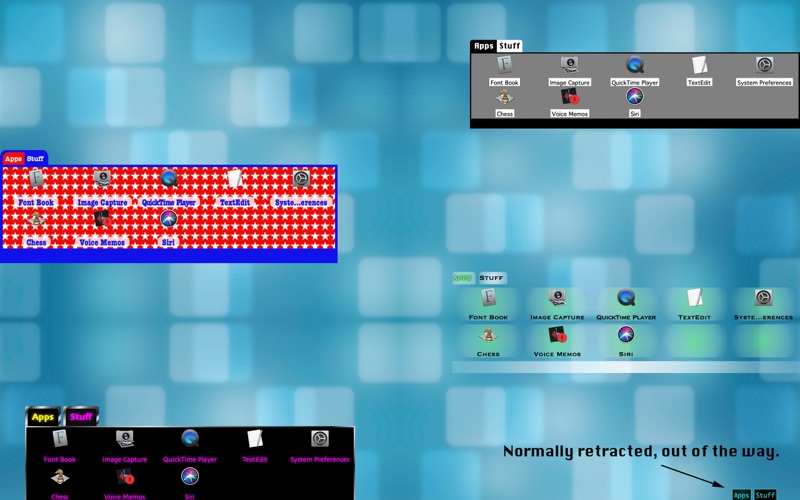
•Customize the look of each dock with many built–in liveries, or design your own with the built–in Livery Editor.
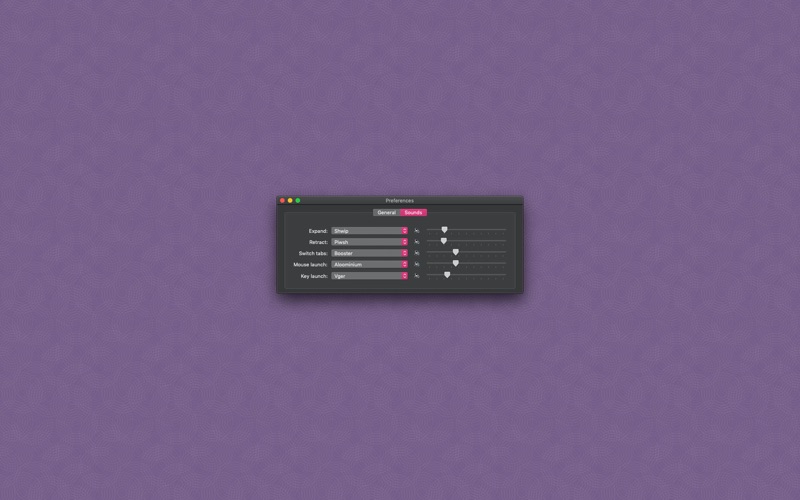
•Use sounds with actions for an enhanced user experience.
•Basic AppleScript support.
•Replicate all items in DragThing docks, along with their key equivalents.
•Add a Processes dock, for those who would like to replace the basic behavior of the normal macOS Dock.
Quoi de neuf dans la dernière version ?
-On my Mac, the dialog to choose a new file was coming up purple, meaning the pref for NSConstraintBasedLayoutVisualizeMutuallyExclusiveConstraints was turned on. But it said it was on for 2 different domains for a *different* app. Yet something kept turning it on in AAG no matter how many times I deleted that pref. It now deletes it on every launch.
-Added feature to show recursive submenus for folders in contextual menus. Thanks, Tim!