• KultureGeek
  • Comparateur de prix
       
iPhoneAddict
 iAddictv5Notre Application iPhone/iPad
  • Accueil Apps
  • Actualité Apple
  • Keynote Apple
  • Firmwares & iTunes
  • Contactez-nous
Accueil » Liste des Apps » Apps iPhone » Medecine » Post Op
1.8.4 iOS €Gratuit Post Op 0 0 Post Op uses patient insights, wound images, and regular interaction between clinicians and patients to drive a safe, empathetic and caring digital service following surgery. It provides clinicians relevant data in a timely manner to enable...
Post Op

Post Op

iPhone / Medecine

Gratuit
Obtenir sur l'App Store

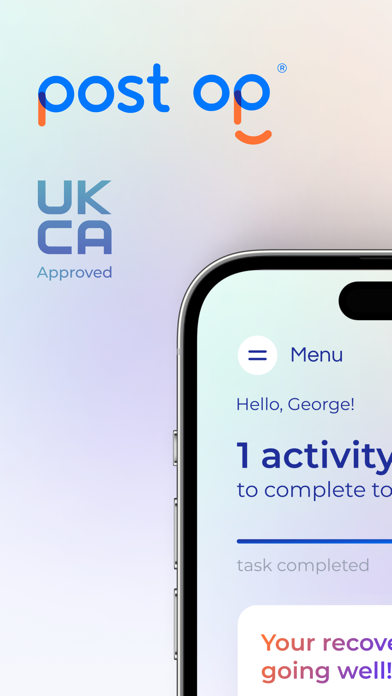
Post Op uses patient insights, wound images, and regular interaction between clinicians and patients to drive a safe, empathetic and caring digital service following surgery.

It provides clinicians relevant data in a timely manner to enable proactive decision making and avoid unnecessary complications in the post-operative period.

Post Op builds transparent, reliable and interactive communication between patients and their care teams.

Patient record their outcome measures (PROMS) digitally through the app and take pictures of their wound which are sent instantly to the clinician’s dashboard for immediate action.

Patients can reliably communicate with the clinical team using a simple messaging tool.

En voir plus...

Quoi de neuf dans la dernière version ?

Lisbon integration configured to use real regions.

  • Screenshot #1 pour Post Op
  • Screenshot #2 pour Post Op
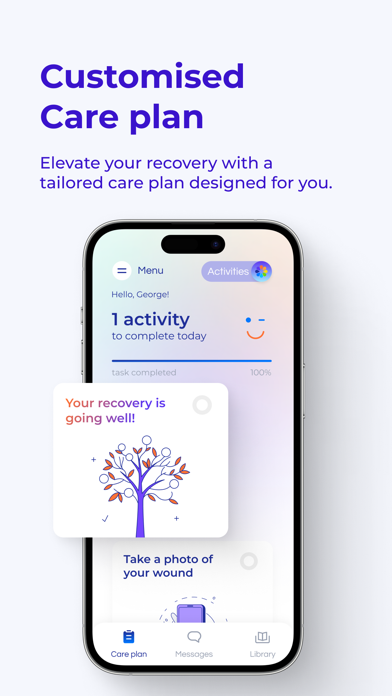
  • Screenshot #3 pour Post Op

Note

(0 note)

Détails sur l'application

Version
1.8.4
Taille
132.1 Mo
Version minimum d'iOS
16.0
Dernière mise à jour
25/01/2026
Publié par
Post Op

Newsletter App Store

Recevez chaque jour les meilleures promos

Actualité Apple

Image L’iPhone 17 Pro Max écrase la concurrence sur l’autonomie malgré une batterie standard
L’iPhone 17 Pro Max écrase la concurrence sur l’autonomie malgré une batterie standard
Image Les puces M5 Max et M5 Ultra d’Apple se dévoilent avec iOS 16.3
Les puces M5 Max et M5 Ultra d’Apple se dévoilent avec iOS 16.3
Image Release candidate pour iOS 26.3, macOS 26.3, watchOS 26.3, tvOS 26.3 et visionOS 26.3
Release candidate pour iOS 26.3, macOS 26.3, watchOS 26.3, tvOS 26.3 et visionOS 26.3
Image Studio Display 2 : 90 Hz et non 120 Hz pour l’écran d’Apple ?
Studio Display 2 : 90 Hz et non 120 Hz pour l’écran d’Apple ?
Partenaires : Actualité iPhone - Culture Geek
©2009-2026 i2CMedia | A propos |