ZephyrPro Wind Meter
iOS Universel / Météo
This application brings the functionalities of an Anemometer (Wind Speed Meter) and of a Wind Spectrum Analyzer to your iphone (ipad/ipod).
No sensors required: realtime wind speed reading just using your iphone microphone.
The typical wind range is 1-16 m/s (with a small trick, up to 30 m/s: see the user guide): the full scale is limited by the internal mic maximum SPL
Unique features & advanced calibration: simply the best!
>>ZephyrPro at a glance
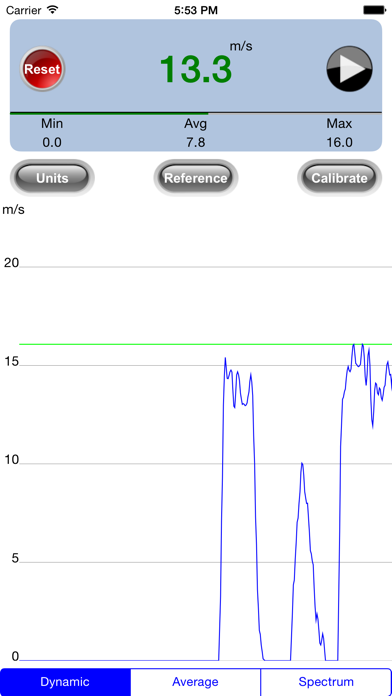
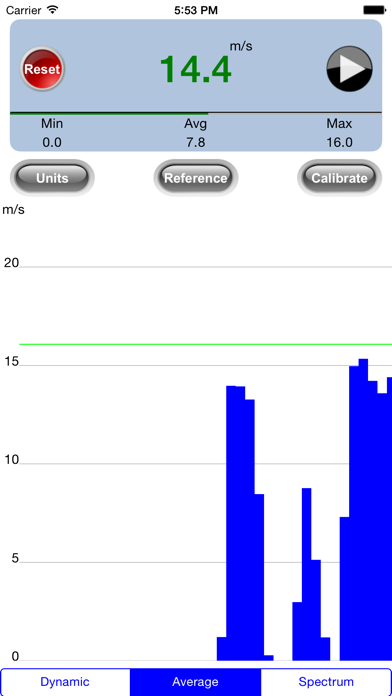
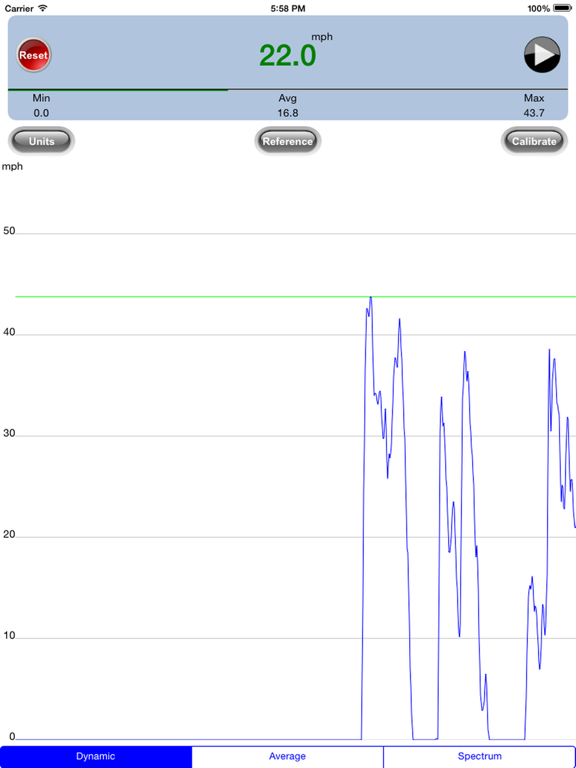
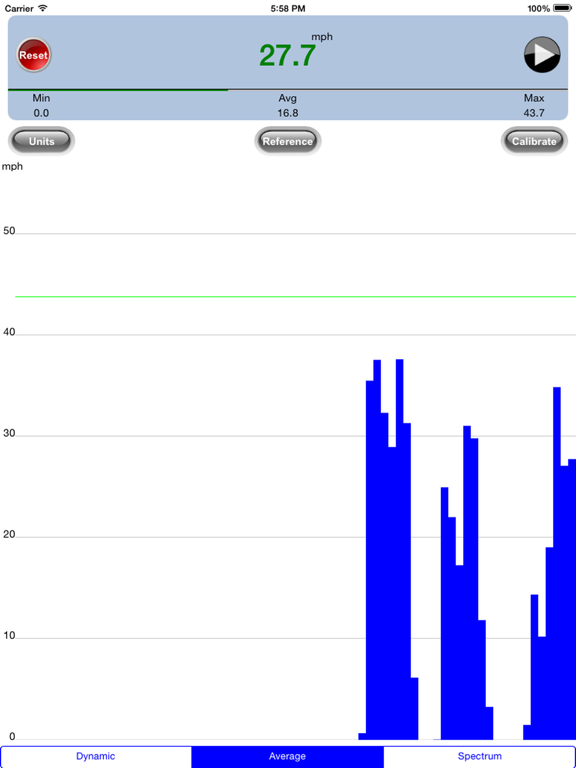
Dynamic and Average wind speed measuring modes with real time charts.
Wind direction detection
Settable measuring units: m/s, km/h, mph, knots, Beaufort
Settable wind smoothing factor, useful to stabilize measures/graphs with variable winds in Dynamic mode.
Settable average period, useful to stabilize measures/graphs in Average mode.
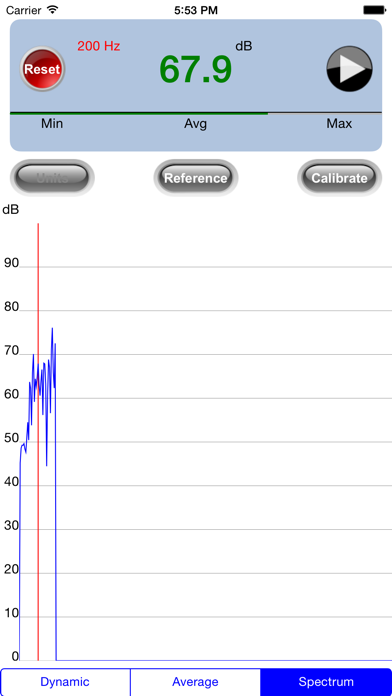
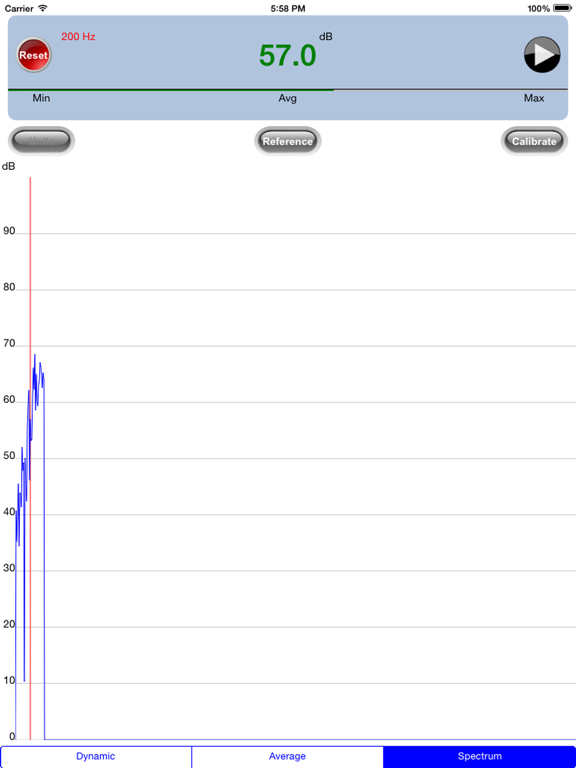
Wind Spectrum Analyzer with real time chart.
Settable cutoff frequency of the wind band, in order to avoid some specific interference.
Panel & Chart data exporting
Advanced calibration.
Embedded user guide.
>>Quick start
The application relies on the mobile microphone signal. To achieve the best results consider the following:
1) Easy calibration (only the first time): click on the calibration button (for details read the user guide accessible from the calibration page)
2) avoid measurement in presence of loud noises (heavy traffic, motorbikes, trucks, loud talking, shots)
3) keep your fingers away from the microphone and keep it in a vertical position
4) orient the front of the iphone in the direction of the wind without interfering with your body
5) click on one of the function buttons (Dynamic, Average, Spectrum)
6) A click on the PLAY button starts the measurement
7) A click on the RESET button clears the current measurement
8) HINT: for long observation periods (> 1s) read the AVG value, for medium observation periods (1s) use the Average mode, for short observation periods (gusts) use the Dynamic mode.
This application is not meant to be used in place of scientific instrumentation, but with a good calibration it can come close to a real anemometer device.
Read the embedded User Guide (reachable from any setting button): for any info or troubleshooting you can contact us at support@gaiacons.com.
Quoi de neuf dans la dernière version ?
Wind direction detection