Lido mPilot
iPhone / Navigation
----- FOR AIRLINE USE ONLY -----
----- Overview -----
This all-in-one navigation application offers easy access to your terminal charts and a dynamically generated enroute map, as well as your operational documents. Optimized for airline use, Lido mPilot is designed to improve the pilots’ situational awareness so that they can focus on what truly matters: safe and efficient aircraft operations. Our tablet solution is designed to support modern airline workflows.
Lido mPilot comes with the aeronautical terminal charts for Zurich, Switzerland. Additional airports can only be downloaded and viewed by employees of an airline who have a Lido mPilot contract with Lufthansa Systems.
The Lido RouteManual terminal charts, used by more than 100 airlines worldwide and the basis of Lido mPilot, are meticulously crafted to display aeronautical procedures and information intuitively. The charts are in high contrast color designed specifically for use on electronic displays. Moreover, they can be tailor-made based on the specific operational requirements of your airline.
----- App Features -----
- Flight Folder to manage an entire flight
- Automatic loading of ATC flight routes
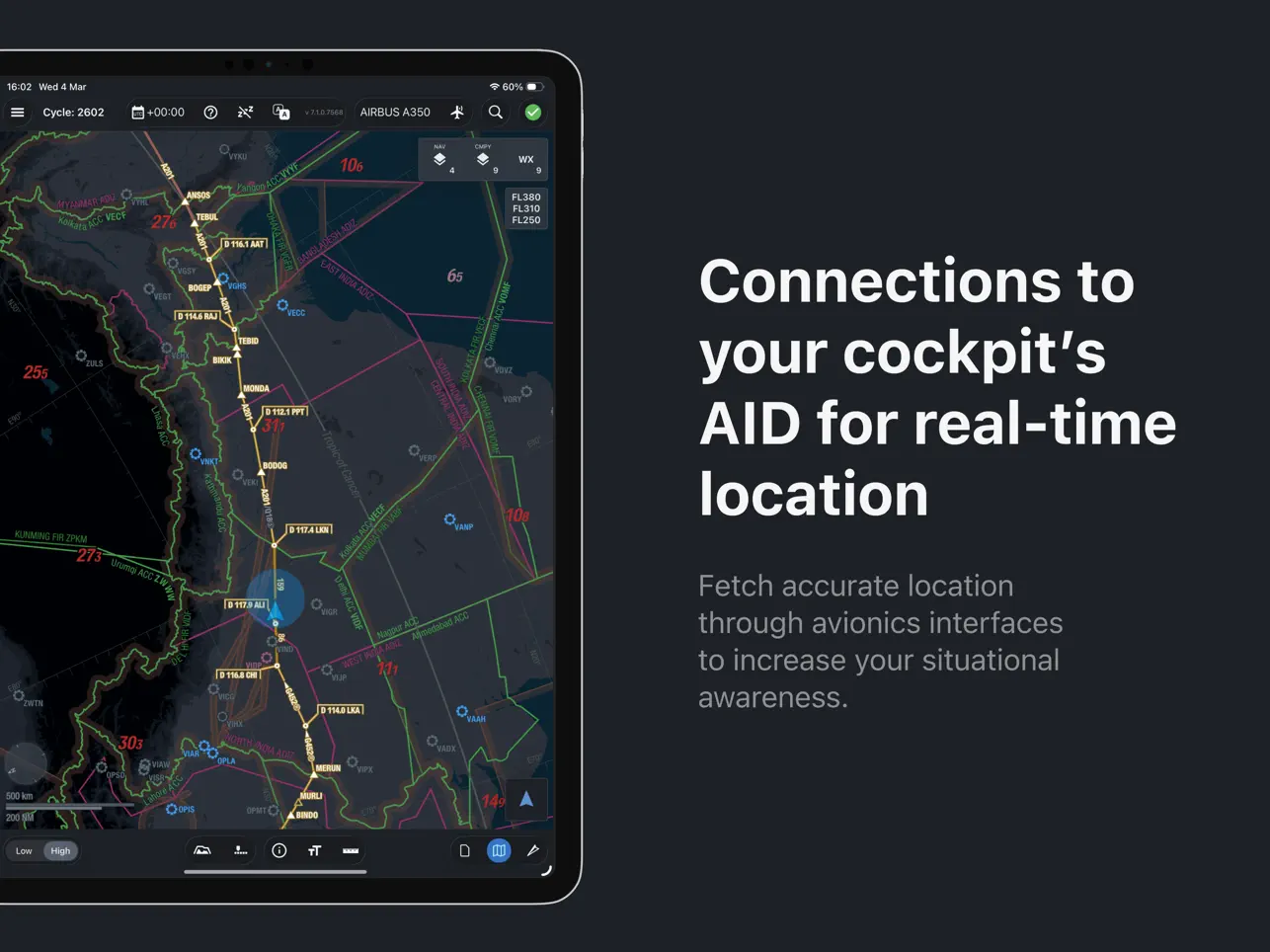
- Dynamic Enroute Map
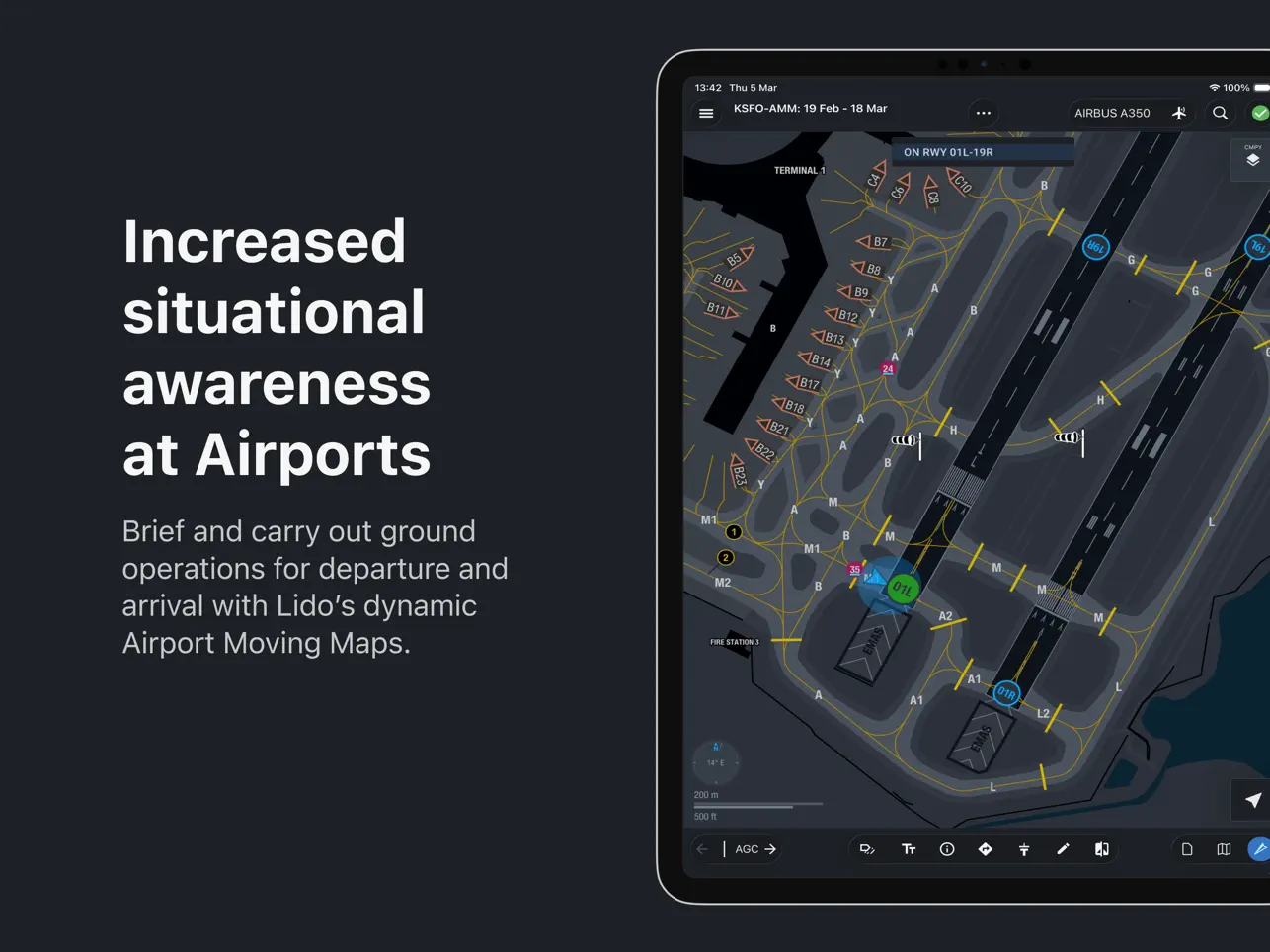
- Airport Moving Map
- Own ship position on Enroute charts
- Static terminal charts
- Web-based document management
- Automatic data synchronization
- Chart annotations
- Sharing flight plan and charts
- Charts & Enroute Map based on appearance settings of the device
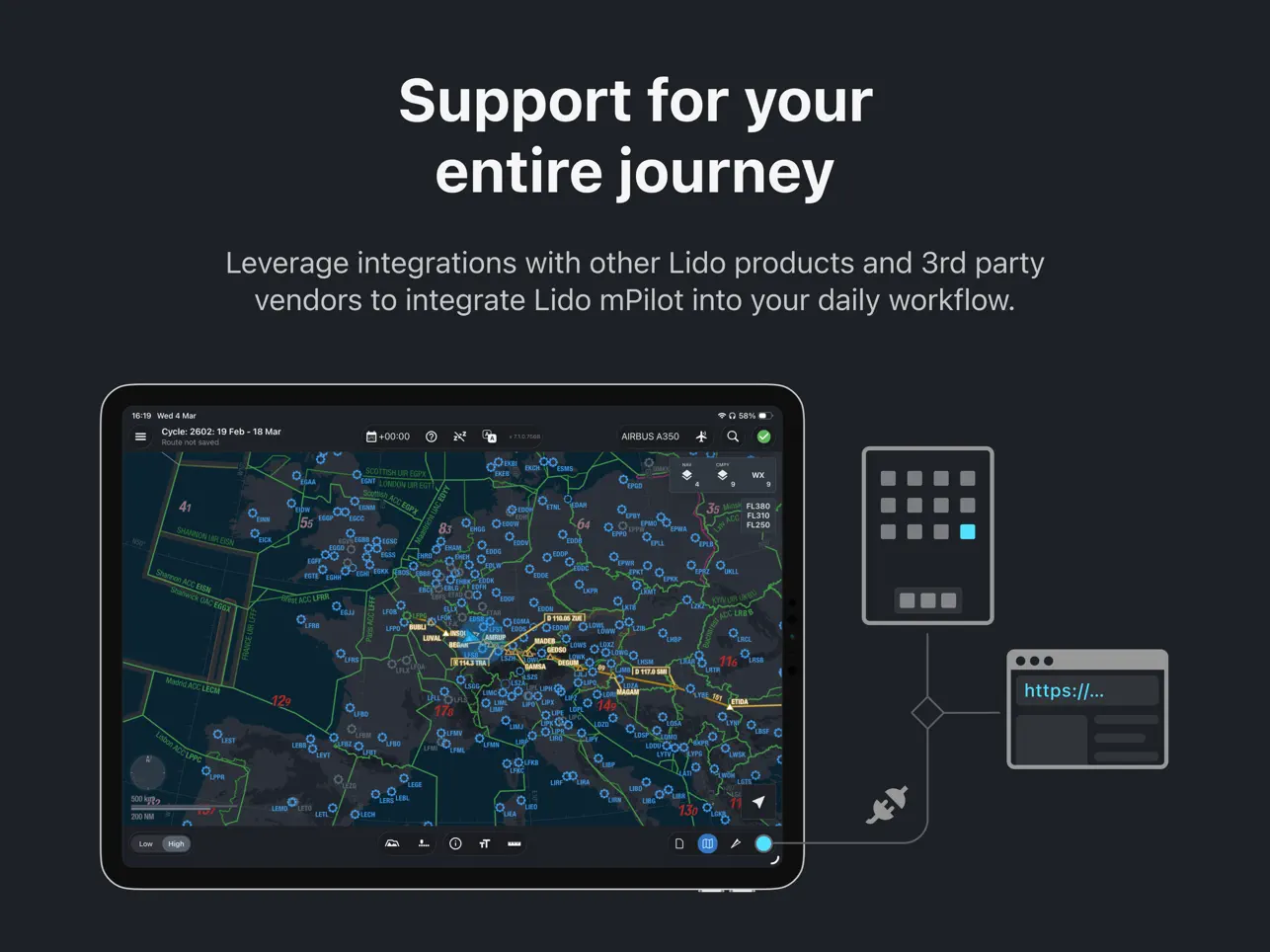
- Integrations with other Lido Products & third party vendors
Contact Lufthansa Systems from our official website to receive an evaluation chart library if you want to know more.
Quoi de neuf dans la dernière version ?
Lido mPilot 7.2 introduces enhanced weather awareness, improved usability, and performance updates to support safer and more efficient operations:
Graphical METAR Indicators
View METAR conditions directly on the map with intuitive color-coded indicators (red/amber/green) for quick weather assessment at airports along your route.
Turbulence Probability Insight
A new “Probability” field in turbulence forecasts offers better insight into the likelihood of turbulence, supporting more informed decisions.
GDL 90 Support (Starlink Compatible)
Support for GDL 90-compatible data sources enables improved own-ship positioning.
Document Module Enhancements
Refactored document module with improved search and harmonized annotations for a more consistent experience.
Also various issues were addressed and overall stability and performance was improved.