iPhoneAddict Apps
  • Actualités
  • Accueil Apps
  • iPhone
  • iPad
  • Universelles
  • Mac
  • Apple TV
KG KultureGeek
App
iPhone / iPad Télécharger iAddict v5 Mac Télécharger iAddict Mac
  • Actualités
  • Accueil Apps
  • iPhone
  • iPad
  • Universelles
  • Mac
  • Apple TV
  • Archives keynotes
  • Firmwares & iTunes
  • Contactez-nous
  • Comparateur de prix
  • KultureGeek
Accueil » Liste des Apps » Apps Universelles » Photo et vidéo » Pixel Art Pro
L'application n'est plus disponible sur l'App Store français
2.1 iOS €Gratuit Dan Shepherd 4 2 Design your game art on the move with Pixel Art Pro. If you are a game artist or just want to create some cool animations to share with your friends - this is the app for you. With the following features you may find you don't even want to use your...
Pixel Art Pro

Pixel Art Pro

iOS Universel / Photo et vidéo

Gratuit au lieu de 2,99€
Obtenir sur l'App Store
Facebook X E-mail

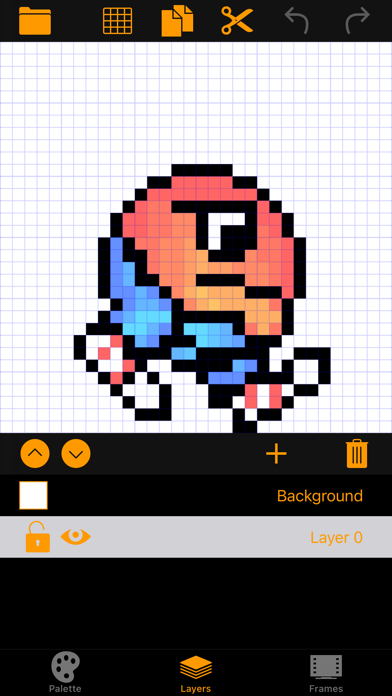
Design your game art on the move with Pixel Art Pro.

If you are a game artist or just want to create some cool animations to share with your friends - this is the app for you.

With the following features you may find you don't even want to use your desktop art package to create your game art - after all it is easier to draw on a touch screen than it is with a mouse!

Canvas:

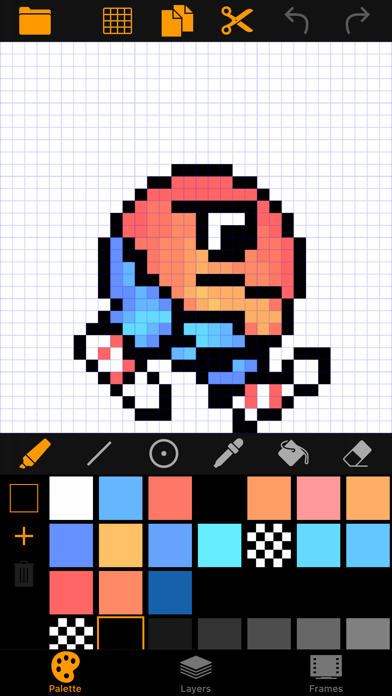
- Choose the size of your pixel canvas up to 256 pixel square - (Sizes do not have to be square, for example you could have a character which is 96 pixels high and 64 pixels wide).

- Hide/Show grid lines

Zoom/Pan:

- Pinch to zoom
- Drag with TWO fingers to Pan

Palette:

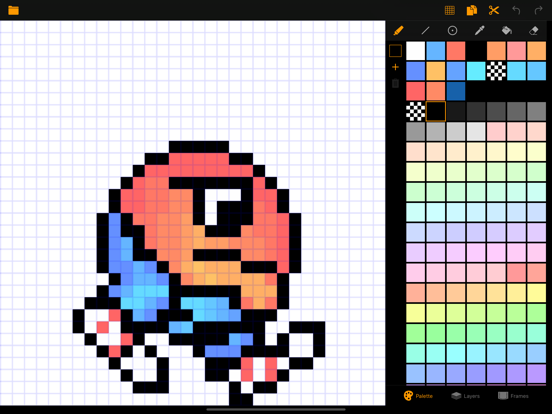
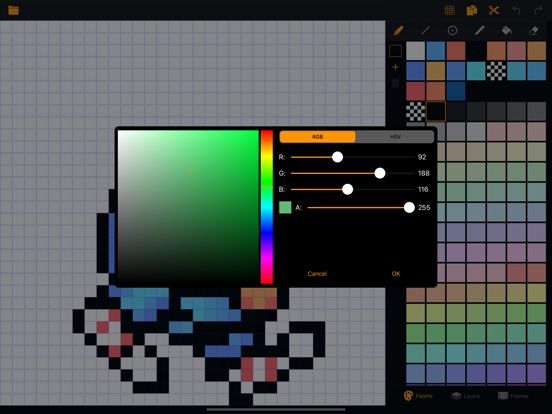
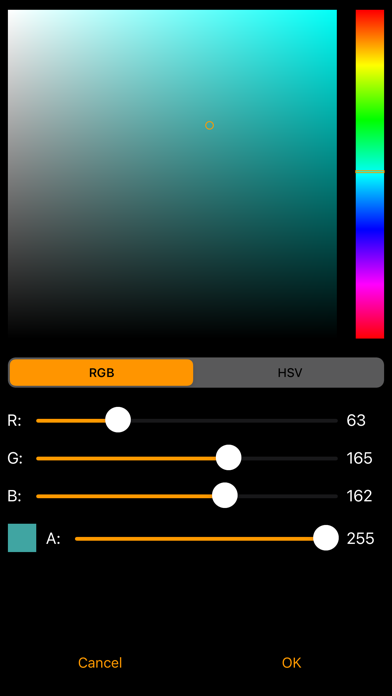
- Choose from a large colour palette or add your own custom colour with the colour picker. Your custom palette will be stored along with your project

Drawing:

- Freehand (pixel plotting)
- Draw Lines
- Draw Circles
- Flood fill
- Dropper
- Eraser

Editing:

- Cut or copy regions
- Rotate 90% clockwise or anticlockwise
- Flip horizontally or vertically
- Undo/redo on a per layer basis

Frames/Layers:

- Create, move, delete or copy Frames.
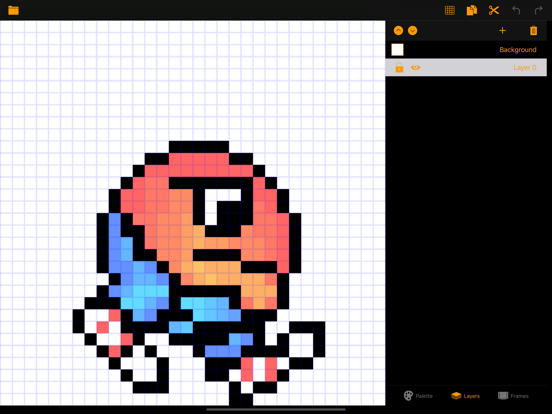
- Create, move, delete layers - (long press to rename).
- Hide/Show layers
- Lock/Unlock layers
- Choose your own background colour for preview.
- Playback animations
- Adjust frame rate

Import/Export:

- Import existing tile maps via Photos extension.
- Export as a tile map for your game or as an animated gif.

En voir plus...

Quoi de neuf dans la dernière version ?

Fixed a bug where PixelArtPro folder and files vanished after iOS update by ensuring the iCloud ubiquitous container uses a fully qualified label.

Note if you can’t see previous files on iCloud via Finder, they should still show up when you search, then copy them to the new PixelArtPro folder which will be created when saving a project to iCloud.
  • Screenshot #1 pour Pixel Art Pro
  • Screenshot #2 pour Pixel Art Pro
  • Screenshot #3 pour Pixel Art Pro
  • Screenshot #4 pour Pixel Art Pro
  • Screenshot #5 pour Pixel Art Pro
  • Screenshot #6 pour Pixel Art Pro

Note

(2 notes)

Détails sur l'application

Version
2.1
Taille
12.1 Mo
Version minimum d'iOS
12.0
Dernière mise à jour
25/06/2021
Publié par
Dan Shepherd

Newsletter App Store

Recevez chaque jour les meilleures promos

Actualité Apple

Image Adobe Premiere, After Effects et Audition ne vont plus supporter les Mac Intel
Adobe Premiere, After Effects et Audition ne vont plus supporter les Mac Intel
Image MacPaw et Liquid AI préparent une couche d’IA locale pour les applications Mac
MacPaw et Liquid AI préparent une couche d’IA locale pour les applications Mac
Image iMessage est disponible sur Android avec Sunbird
iMessage est disponible sur Android avec Sunbird
Image Apple Vision Pro : une étude confirme son intérêt en chirurgie avec des opérations 19 % plus rapides
Apple Vision Pro : une étude confirme son intérêt en chirurgie avec des opérations 19 % plus rapides
iPhoneAddict Apps

Le catalogue iPhoneAddict pour suivre les nouveautés, mises à jour et baisses de prix de l’App Store.

Apps

Toutes les apps iOS iPhone iPad Universelles Mac Apple TV

iPhoneAddict

Actualité Apple Archives keynotes Contact À propos KultureGeek

Suivez-nous

©2009-2026 i2CMedia. Tous droits réservés.