QuMagie
iOS Universel / Photo et vidéo
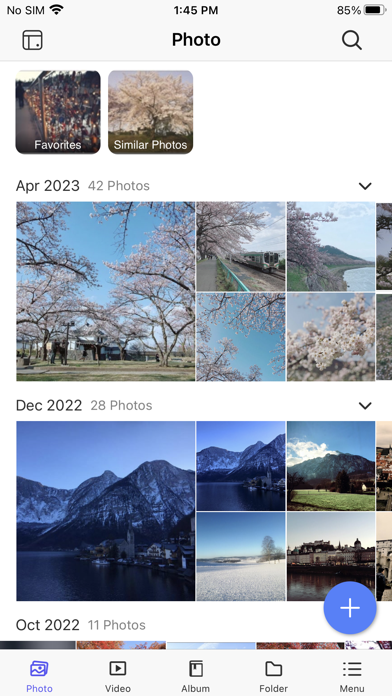
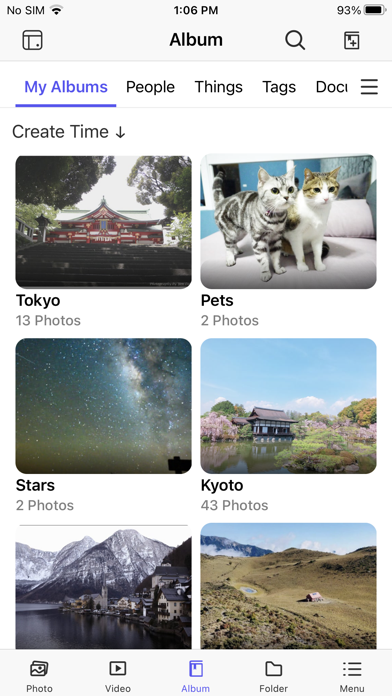
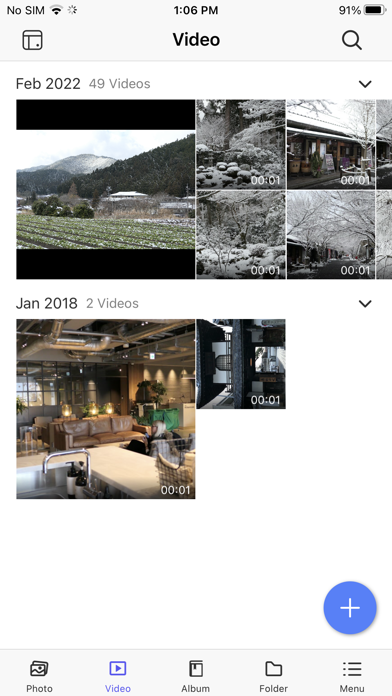
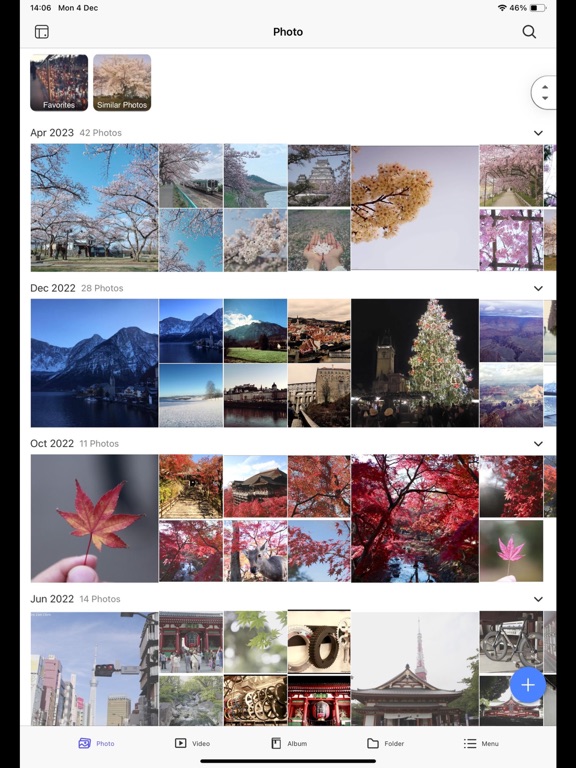
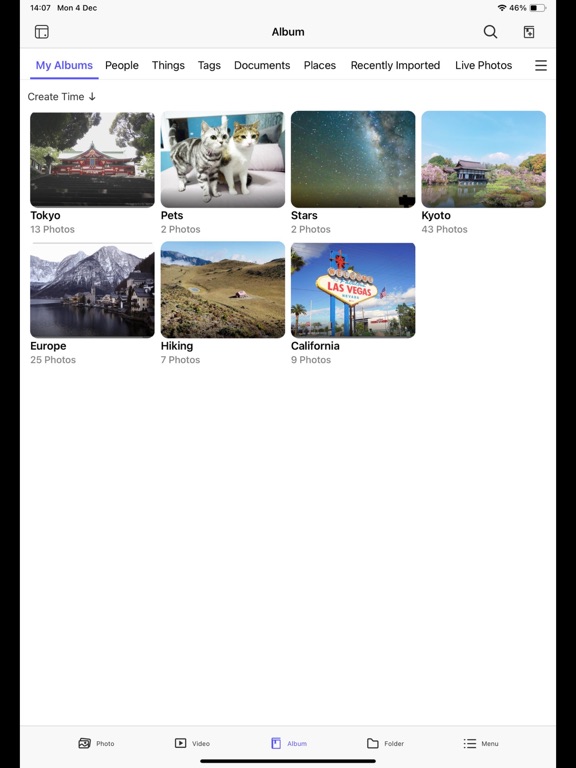
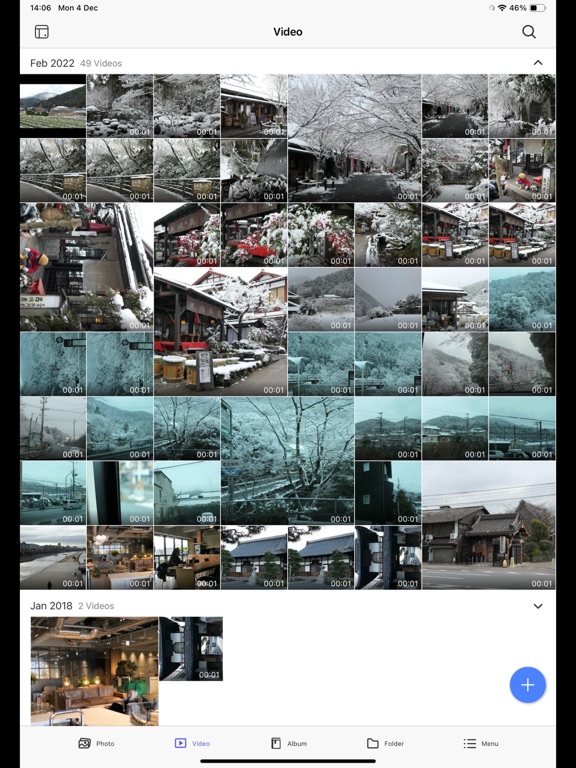
QuMagie is a QTS photo management application that uses AI to help you manage photos and videos stored on your QNAP NAS. QuMagie integrates facial recognition and object recognition to make browsing and organizing photos and videos easier than ever before.
With QuMagie Mobile, you can browse photos on your QNAP NAS anytime, anywhere. After QuMagie Mobile is connected to your QNAP NAS, your photos and albums will be accessible on your mobile device.
Requirements:
- QTS 4.4.1 or later, with QuMagie installed.
- iOS 15 or later.
Quoi de neuf dans la dernière version ?
[New Features]
- Added support for AI face recognition in short videos (up to 3 minutes).
- Added support for OCR text recognition, allowing users to search photos by text content in images and scan text directly from the photo viewer.
[Enhancements]
- Improved thumbnail generation to align with the server-side resizing method.
- Improved the Free Up Space loading experience when processing a large number of files.
- Users can now set sharing permissions for Smart Albums, consistent with regular albums.
- Users can now rename and create subfolders directly in the app.
- Improved the connection setup with a simplified login flow and guidance to use myQNAPcloud for remote access.
- Improved error messages and recovery guidance when login fails due to connection issues.
- Added a notification when photo thumbnails cannot be generated, with a link to troubleshooting guidance.
- Added the ability to check for app updates automatically on launch or manually in the app settings.
- Users can now set a folder path as a criterion when creating or editing Smart Albums.
- Added an error message when QuMagie is temporarily unavailable due to a system issue, with guidance to restart the application.
[Fixed Issues]
- Fixed an issue where video filenames were not displayed on any pages, making it difficult to identify correct files.
- Fixed an issue where the app could crash unexpectedly during continuous use.
- Fixed an issue where resuming paused upload tasks after enabling “Force SSL on the NAS” would incorrectly display a logout error instead of an SSL certificate error.
- Fixed an issue where tapping a photo thumbnail before the page had finished loading could result in displaying a wrong photo.