Aeon Timeline 3
iOS Universel / Productivité
Create beautifully organised, data rich timelines for every project: packed with templates and features for creative writing, project management, legal case management, and research and education projects.
Free read-only mode:
- Aeon Timeline is free to download and use in read-only mode to view timelines shared by other users.
Buy Aeon Timeline, own it forever:
- Unlock editing across up to 5 devices (MacOS, iOS and Windows) with an in-app purchase.
- Each purchase comes with a year of free updates.
- Renew to unlock further updates, or continue using your existing version forever
- Renew updates at any time without penalty
SAME DATA, MANY VIEWS:
In Aeon Timeline, create your data once and visualise it any number of ways:
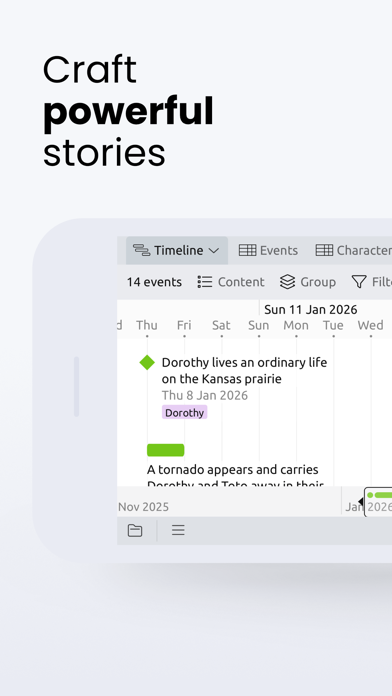
* Timeline View: a graphical representation of events across time
* Relationship View: a matrix showing how your events relate to people and places
* Spreadsheet View: rapid data entry to get down your ideas
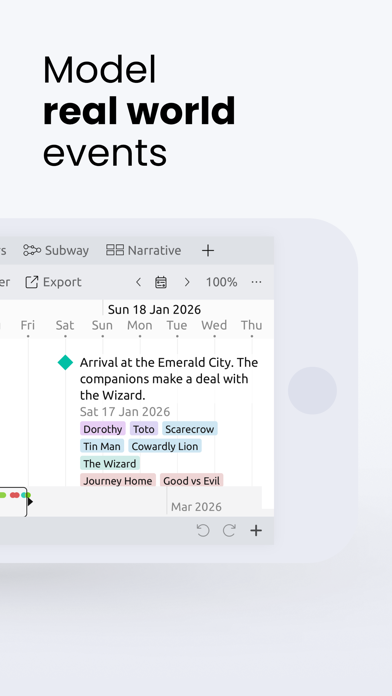
* Subway View: shows how individual threads of people, story arcs and concepts are intertwined
* Narrative View: a graphical depiction of an independent narrative order and structure
* Outline View: a spreadsheet-like outline display of your narrative structure
* Mindmap View: a free-form space to brainstorm ideas and create visual representations of relationships
FOR WRITERS:
Whether you are just starting your next writing project or looking to edit and refine the next great novel, Aeon Timeline helps you understand your story world like never before
* Connect events in your story timeline with characters and setting.
* Arrange events into story arcs and themes
* Track character ages and developments through back story and live scenes
* Drag events from your timeline into a story outline
* On desktop, sync your narrative and characters with your writing project in Scrivener (Mac/Win) or Ulysses (Mac-only)
* Story set off-world? No problem, build your own fantasy calendar
FOR PROJECT MANAGERS:
Break free of gantt charts with a range of views to visualise your project plan in new ways.
* Quickly break down your project structure in Spreadsheet View
* Organise tasks into hierarchies of stories, epics and projects
* Assign people and resources to tasks; use split views and filters to compare progress across projects or people
* Use date constraints and dependencies to keep your project in logical order
* Add your own custom fields to track the data you need
FOR LEGAL CASE MANAGEMENT:
Create a visual representation of your legal case for clearer insights and court room presentations
* Map connections between known events and facts with specific people, places, and documents involved
* Use stacked split views to compare and corroborate different versions of events, and analyse theories of your legal case
* Use dependencies and constraints to find inconsistencies in testimonies and evidence
* Represent uncertainty by specifying earliest/latest ranges for event start and end dates.
* Use Narrative View to prepare your legal argument for trial with supporting links back to the original data
* Export images and PDFs of your timeline to present during a case
FOR RESEARCH AND EDUCATION:
History is not just about events, but the people, places and ideas that connect them.
* View how people, ideas and advances in culture and technology are connected using Relationship and Subway Views.
* Use stacked split views to compare timelines for different civilizations, innovations, or historical figures.
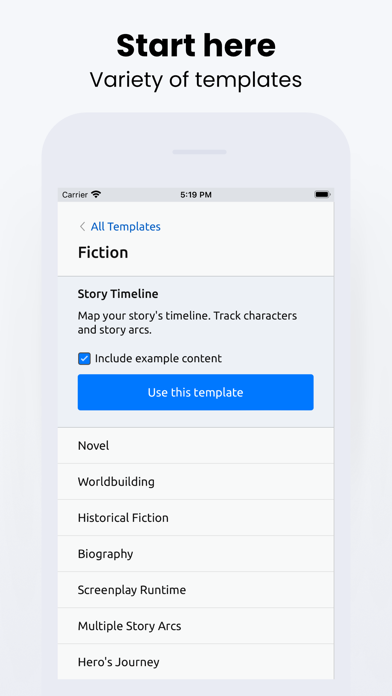
* Create content specific to your needs by expanding on our starting education templates
* Represent uncertainty by specifying earliest/latest ranges for event start and end dates.
* Record dates and times down to the second, or simply record months or years.
* Print and display your timelines for classrooms. Export images/PDFs to share in presentations or articles.
Privacy Policy: https://timeline.app/privacy
Terms of Use: https://timeline.app/terms-and-conditions
Quoi de neuf dans la dernière version ?
3.5.112 contains the following fixes:
- Fixed an issue where images could export at a smaller size than intended when saving as PNG or JPEG.
- Fixed an issue where scrollbars could overlap group headers in Spreadsheet view.
- Fixed an issue in Timeline view where markers could not be selected by clicking their label text in marker-only mode.
- Fixed an issue where the Inspector width would not save after being resized.