APMOH Connect
iPhone / Style de vie
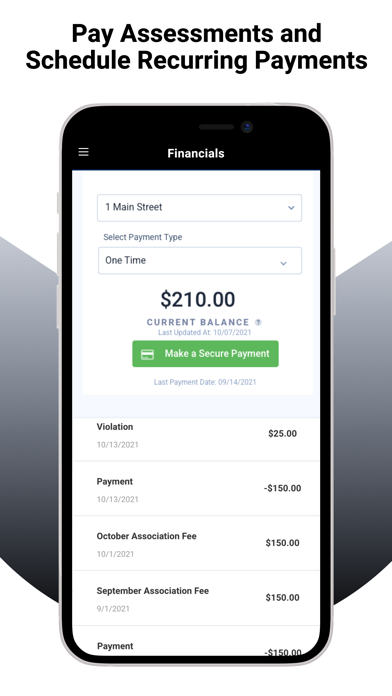
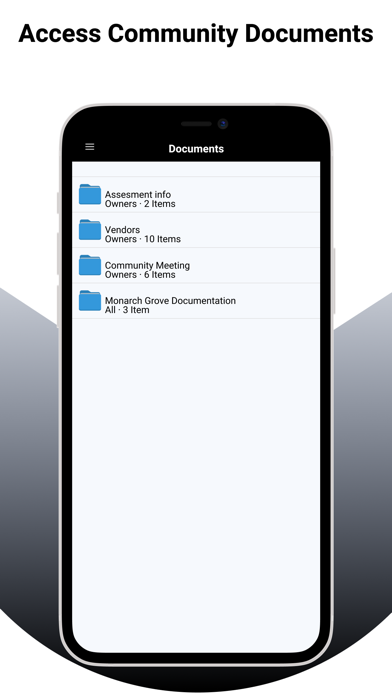
The Associated Property Management (OH) Connect app is a management company portal product that enables homeowners and board members to access information about their association in REAL time anytime, anywhere. Homeowners can view their accounts and pay online, view maintenance issues including submitting service requests, update profile information, view documents and much more.
Quoi de neuf dans la dernière version ?
Fixed an issue on iOS (SDK 26.x) preventing users from completing Community Reservation bookings via the mobile app.
Fixed a display bug on certain Android devices where the top header was missing in Visitor Management views, blocking access to guest and party management options.
Fixed violation image uploads on mobile so that multiple photos taken on the same day are assigned unique, timestamped filenames instead of duplicate names.
Fixed the daily reservation Submit button remaining greyed out on mobile even when all required fields were completed, preventing users from booking facilities.
Corrected the "no documents available" message text in Architectural Request Step 2 on mobile to match the wording displayed on web.
Fixed Architectural Request Step 2 on mobile incorrectly rendering raw HTML code instead of formatted manager instructions.
Mobile now displays manager-defined instructions and downloadable documents in Step 2 of the Architectural Request creation flow, matching the existing web experience.
Fixed multiple issues with Dynamic Forms in draft Architectural Requests on mobile, including broken checkbox selection, incorrect radio button display, and form fields not saving when navigating back.
Fixed a bug allowing users to post comments in the mobile app on community events where commenting had been disabled via the web portal.
Improved draft Architectural Request behavior on mobile so that reopening a draft correctly restores all steps, form data, and uploaded documents without data loss or incorrect step counts.
Restored the ability for managers and homeowners to tap on Work Orders in the mobile app and view a full detail view, which had previously stopped responding.