Stickframe
iOS Universel / Economie et entreprise
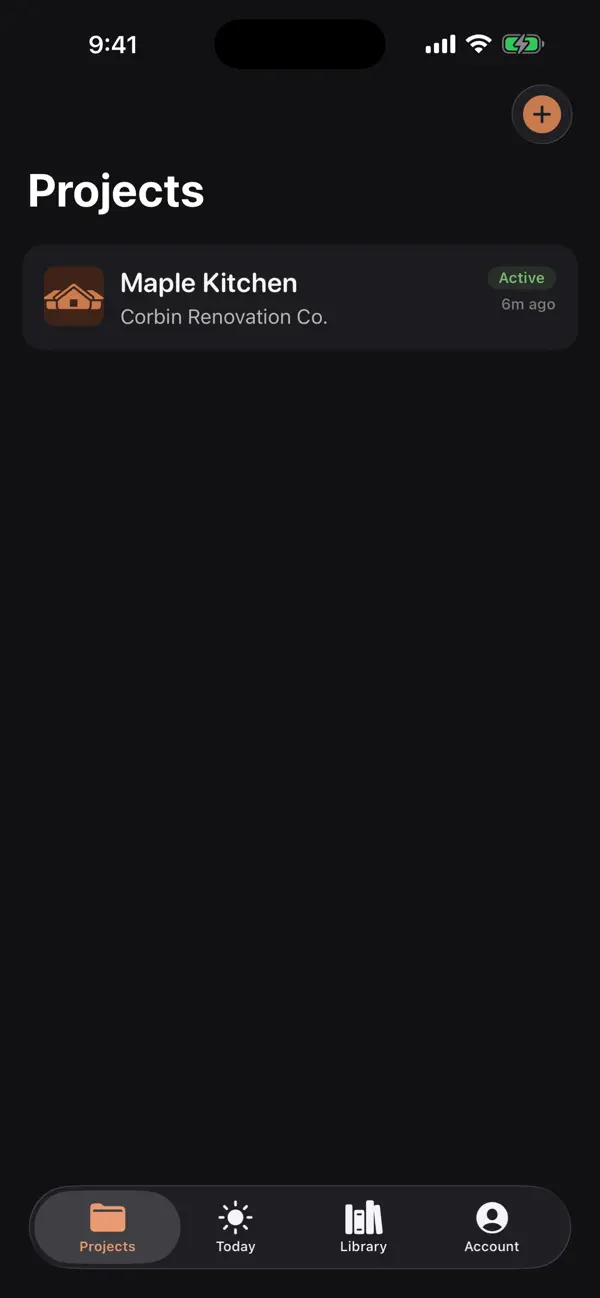
Stickframe is a premium field workspace for small contractors, remodelers, and solo builders who need better job documentation without a subscription.
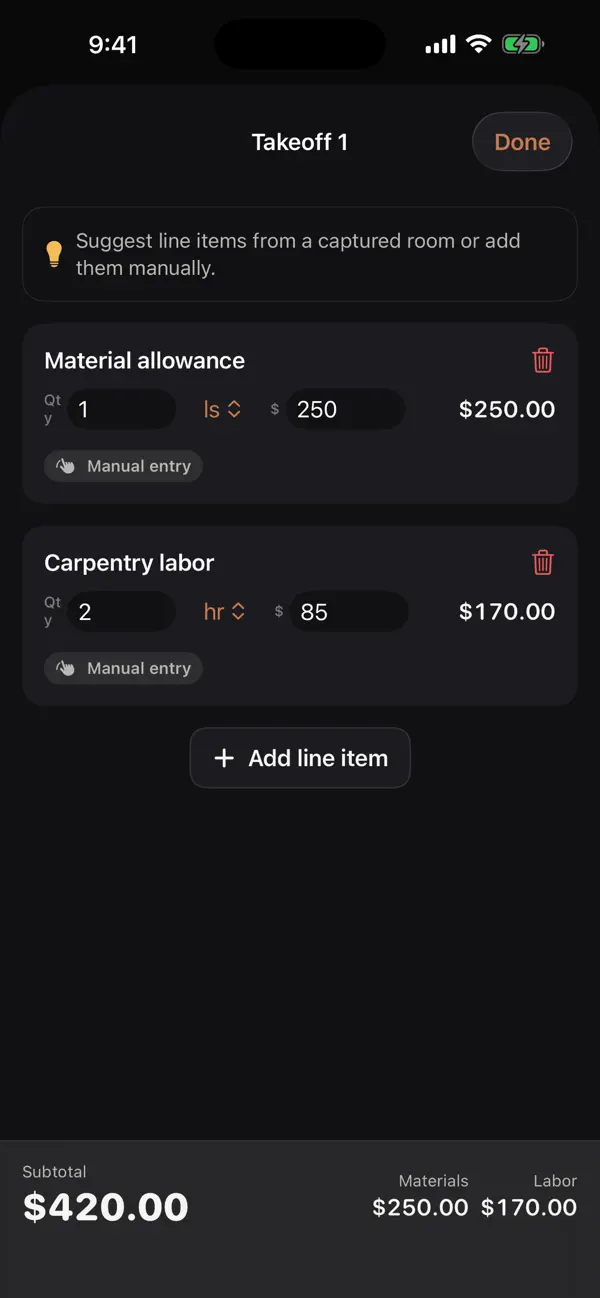
Create a project, capture room notes or manual dimensions, organize jobsite photos, build material and labor takeoffs, draft change orders, track project time, and prepare client-ready packets from one focused app.
Stickframe is designed for real site work: quick project setup, editable cost lines, plain-language change order narratives, local PDF export, material reference lists, subcontractor notes, and widgets for fast access.
The app is a one-time paid download. There are no subscriptions, ads, accounts, external purchases, or in-app purchases. Project data is stored locally on the device unless you choose to export or share it through iOS.
Quoi de neuf dans la dernière version ?
This update sharpens the interface: the iPad layout now uses a centered, comfortable reading width instead of stretching edge to edge, plus small display fixes. iPhone is unchanged.