PDF Creator for MS Excel File
macOS / Utilitaires
PDF Creator for Microsoft Excel is a powerful and easy-to-use application that allows you to convert Microsoft Excel files into high-quality PDF documents. You can convert individual files or process multiple Excel files in bulk by selecting a folder, saving time and effort.
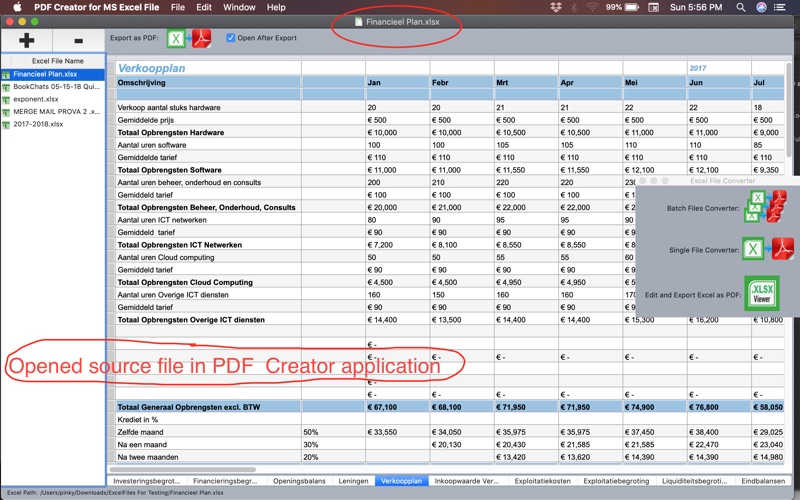
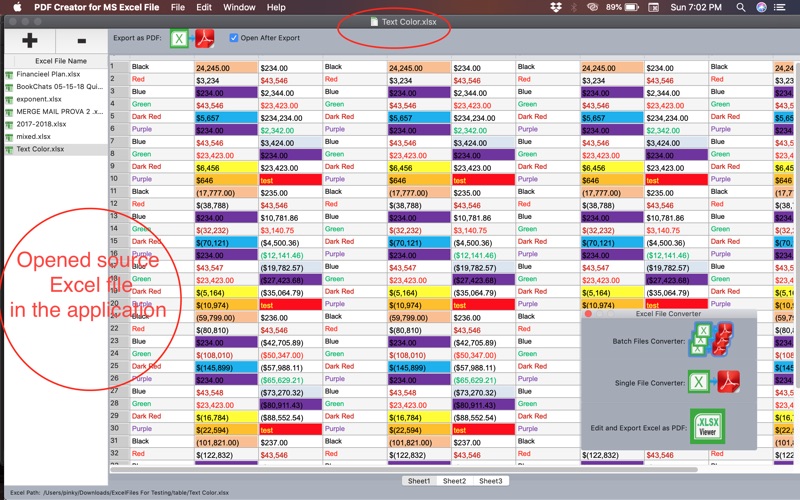
The application lets you open, view, and edit Excel files before converting them to PDF, without requiring Microsoft Excel to be installed on your system.
Key Features
Convert Excel to PDF:
Easily convert Excel files into high-quality PDF documents with accurate formatting.
Preserve Formatting:
Maintains original formatting including fonts, font sizes, text styles (bold, italic), colors, hyperlinks, and cell alignment.
Worksheet Navigation:
Scroll through worksheets, switch between sheets, and adjust column widths for better readability before conversion.
Bulk Conversion Support:
Convert multiple Excel files at once by selecting an entire folder, saving time and improving productivity.
View and Edit Before Export:
Preview and modify spreadsheet content prior to conversion to ensure accurate results.
No Microsoft Excel Required:
Open, view, and convert Excel files without having Microsoft Excel installed.
Why Choose This App:
1- High-quality PDF output
3- Fast and reliable performance
4- Clean and intuitive interface
5- Ideal for professionals, students, and business users
Support:
For assistance or inquiries, please contact:
mailtoramasoftwares@gmail.com or support@RamaSoftwares.com
Quoi de neuf dans la dernière version ?
- Fixed UI related issues.
- Removed deprecated APIs to support Tahoe OS